Got an invite link to one of my Telegram groups & have NO idea where to start? You're in the right place! 🙌
I find the main reason people don't join Telegram is because they don't already have an account. (I also have a wild amount of stories of clients joining Telegram specifically to be in one of my groups. They didn't want to miss any of the info!)
I want you to be in the group, too, which is why I created this blog post as a resource for you. First, a little context…
Why I Use Telegram for My SEO Groups
I love using Telegram for a number of reasons!
it’s free and available on your phone and laptop
it's much better than a Facebook group
you can use text or video or voice memos (just like texting a friend)
you can share links (to Google Docs or websites, for example)
you don't have to reveal your phone number like you do in WhatsApp
The main reason I started using Telegram is because it allows for asynchronous communication—clients can reply when it's convenient for them, and the same goes for me!
Initially, I didn't have my MemberVault account so I had to get creative with where to host a community for my group programs. My clients & I loved it so much that it stayed even after setting up my groups in MemberVault!

Do You Have to Download the Telegram App on Your Phone?
Yes, you have to download the app on your phone to create a Telegram account. Telegram is available for Apple and Android, so there's no barrier there.
If you're like me & many of my clients who don't want to add another app to your phone, just use your phone to create your account and then delete the app.
⭐ As long as you stay logged in on your desktop, you don't have to keep the app on your phone in order to use Telegram.
How to Create a Telegram Account (Step-by-Step)
Step 1: Download the Telegram app on your phone
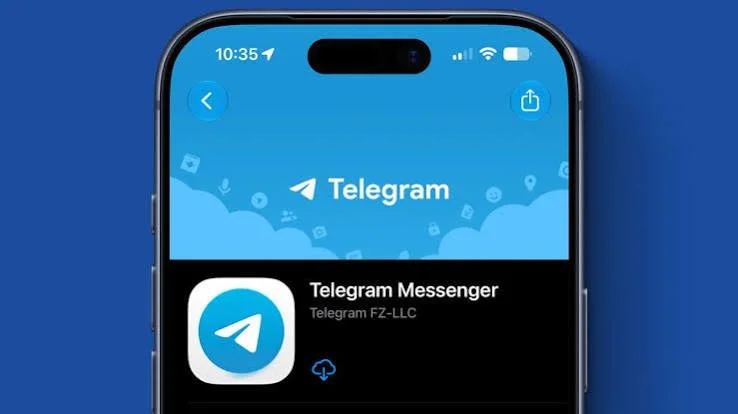
To set up your Telegram account, you'll start with the app on your phone. Go to the App Store on your iPhone or the Google Play Store on your Android directly and search "Telegram." Tap "install" or "get."
Step 2: Create your Telegram account
With the app downloaded, it's time to create an account. Click "start messaging" and enter your information. You'll likely have to enter a verification code.
Follow all the steps listed. It will ask you if you want to sync any of your contacts (this is optional; I usually opt out of that).

Step 3: Add Telegram to your desktop
To get Telegram for your desktop, go to the Telegram website and select the appropriate download (it works on Mac & PC).
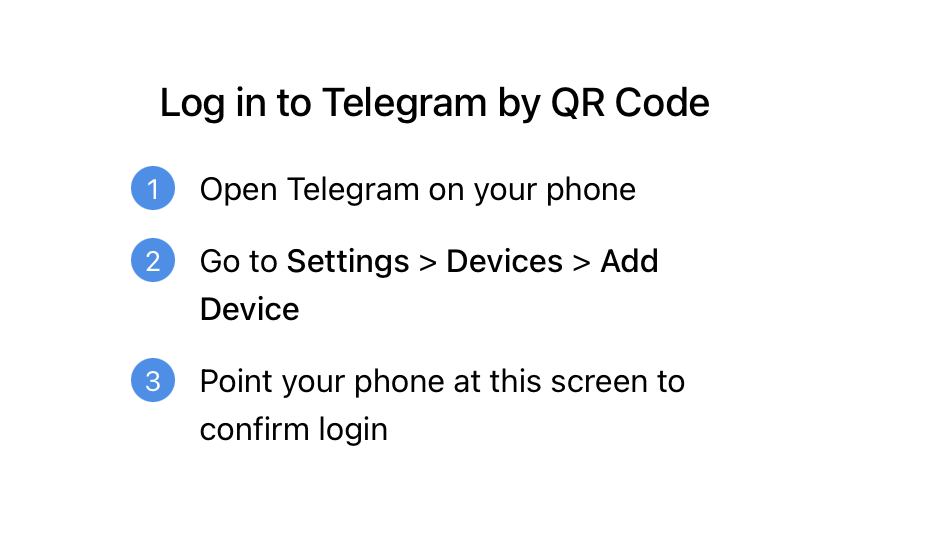
Because you already have the app on your phone, you'll follow the instructions on the screen to add your desktop as a device on your account.
Will People in the Group See My Phone Number?
Members in groups (like the SEO Sprint or my SEO Challenge) will not see your phone number. Only your name is displayed. The only exception to this is if you have someone from the group already in your phone's list of contacts.
How to Join a Telegram Group from an Invite Link
When it comes to joining one of my groups, I will always send you a direct link to join. It will be in an email (sometimes several emails 🤭).
You'll click the link in the email & follow the instructions on the screen, which will get you added to the group in less than 30-seconds!
What to Do Once You're in the SEO Telegram Group
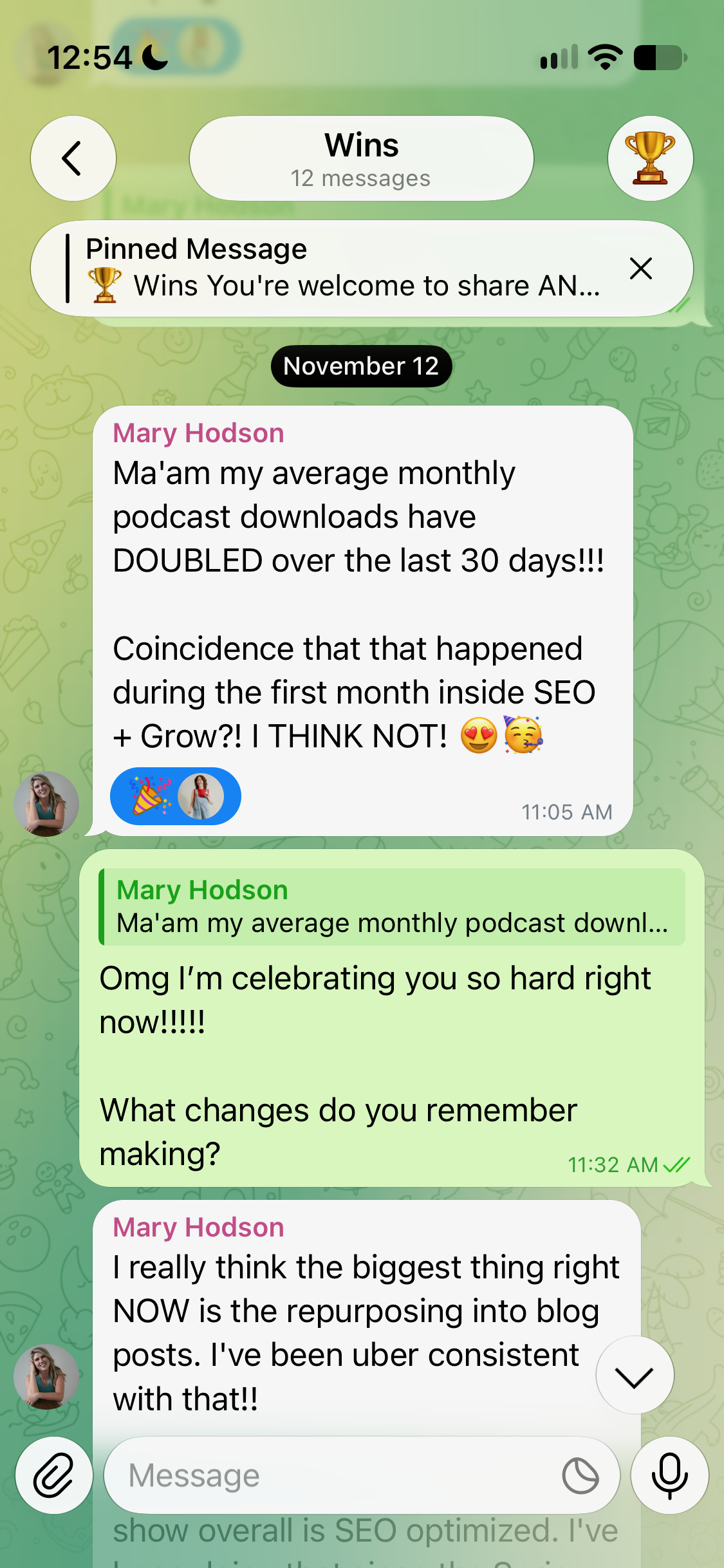
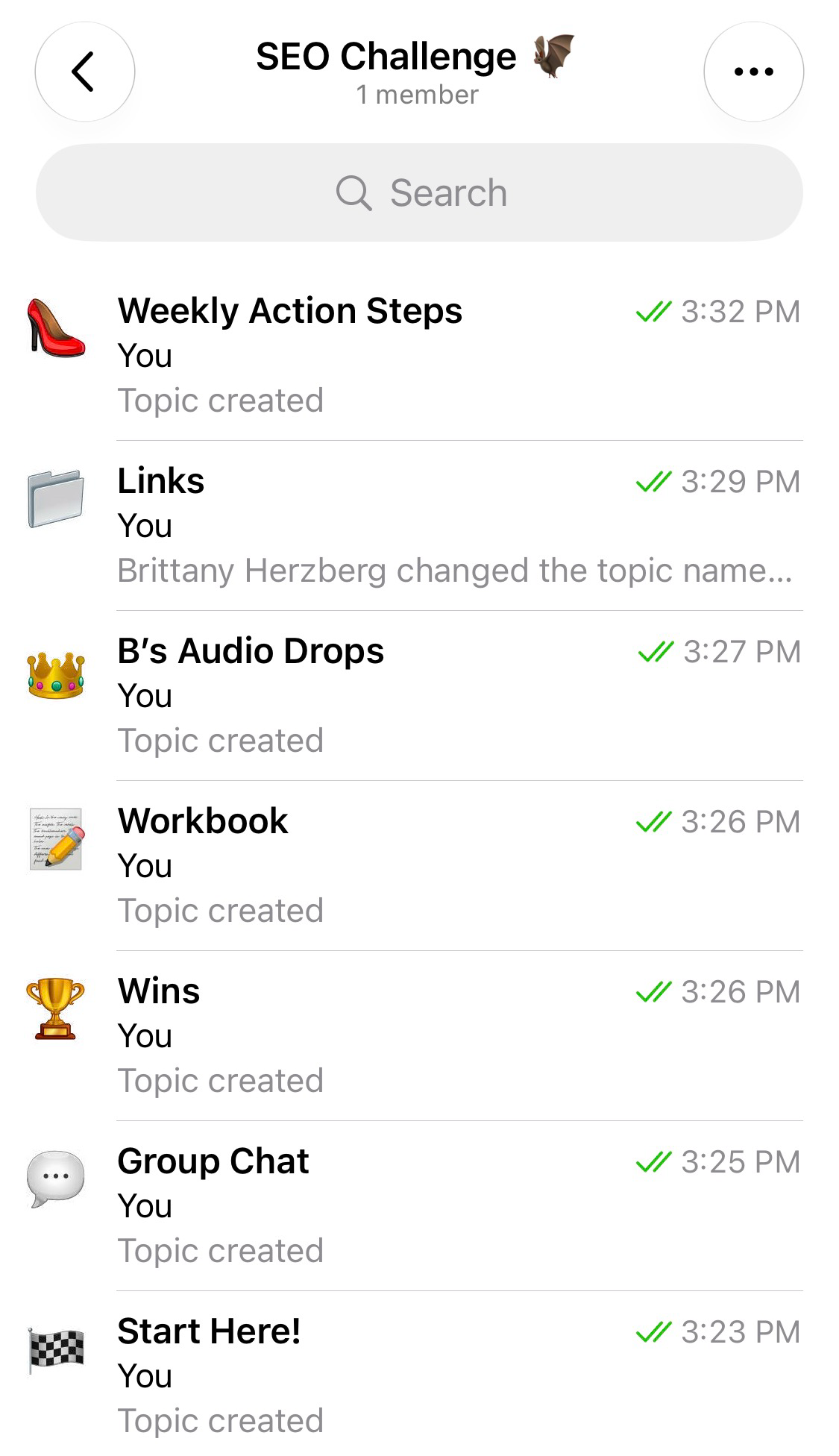
The way I have my Telegram groups set up, your first step is easy to find! There's typically a "START HERE" thread. Click it, read the pinned post at the top, & respond to whatever is in there! (There's usually some sort of introduction post idea.)
Beyond that, I like including "GROUP CHAT," "WINS," & "LINKS" threads so you get to know each other and know exactly where to find the important info!
Is Telegram Hard to Use?
Nope! Anyone who's joined Telegram because of me and my groups (lol), has found the process simple & the experience once in the group enjoyable!
See You in Telegram! 👋
That's it—your account is created, your desktop is connected, & you know exactly where to go once you click that invite link. So with that, I’ll see you in there soon!
If you found this helpful, leave a comment below!
Share what surprised you or which SEO group you’re joining after getting everything set up. ⤵️